
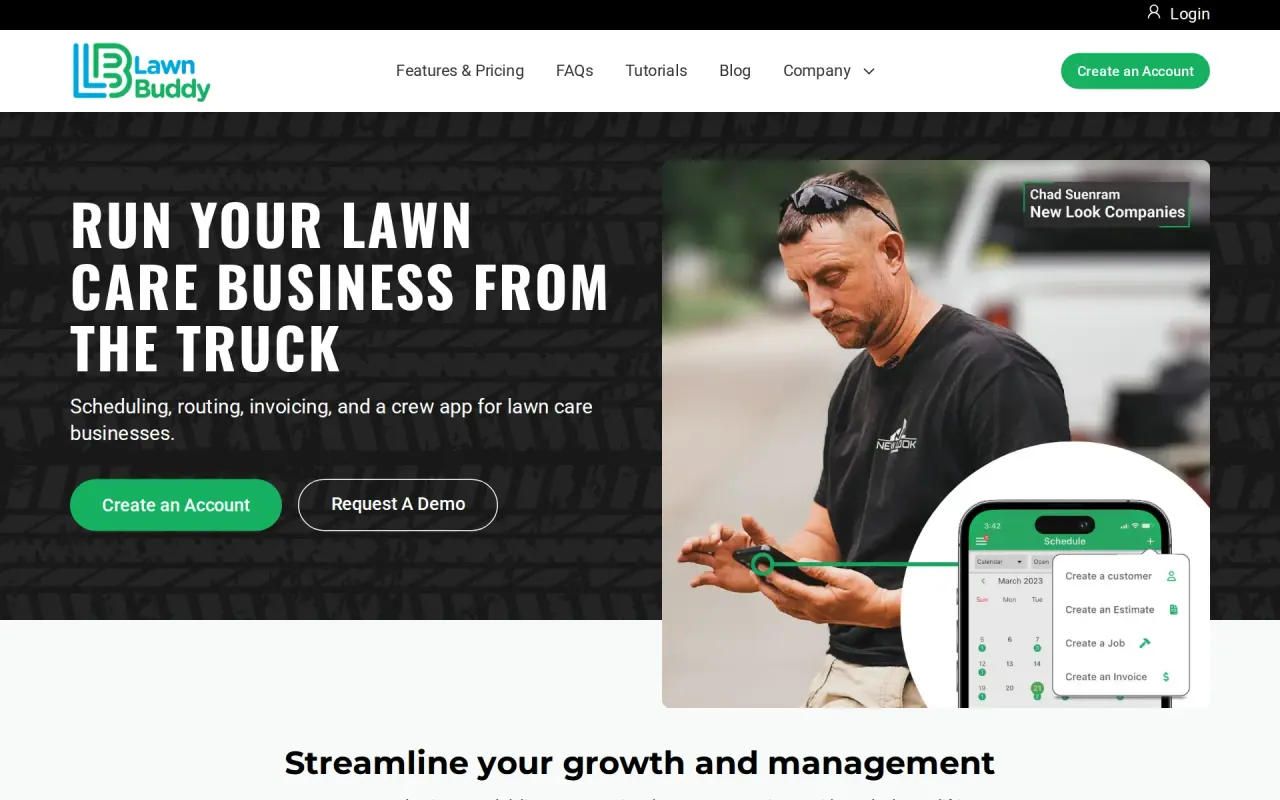
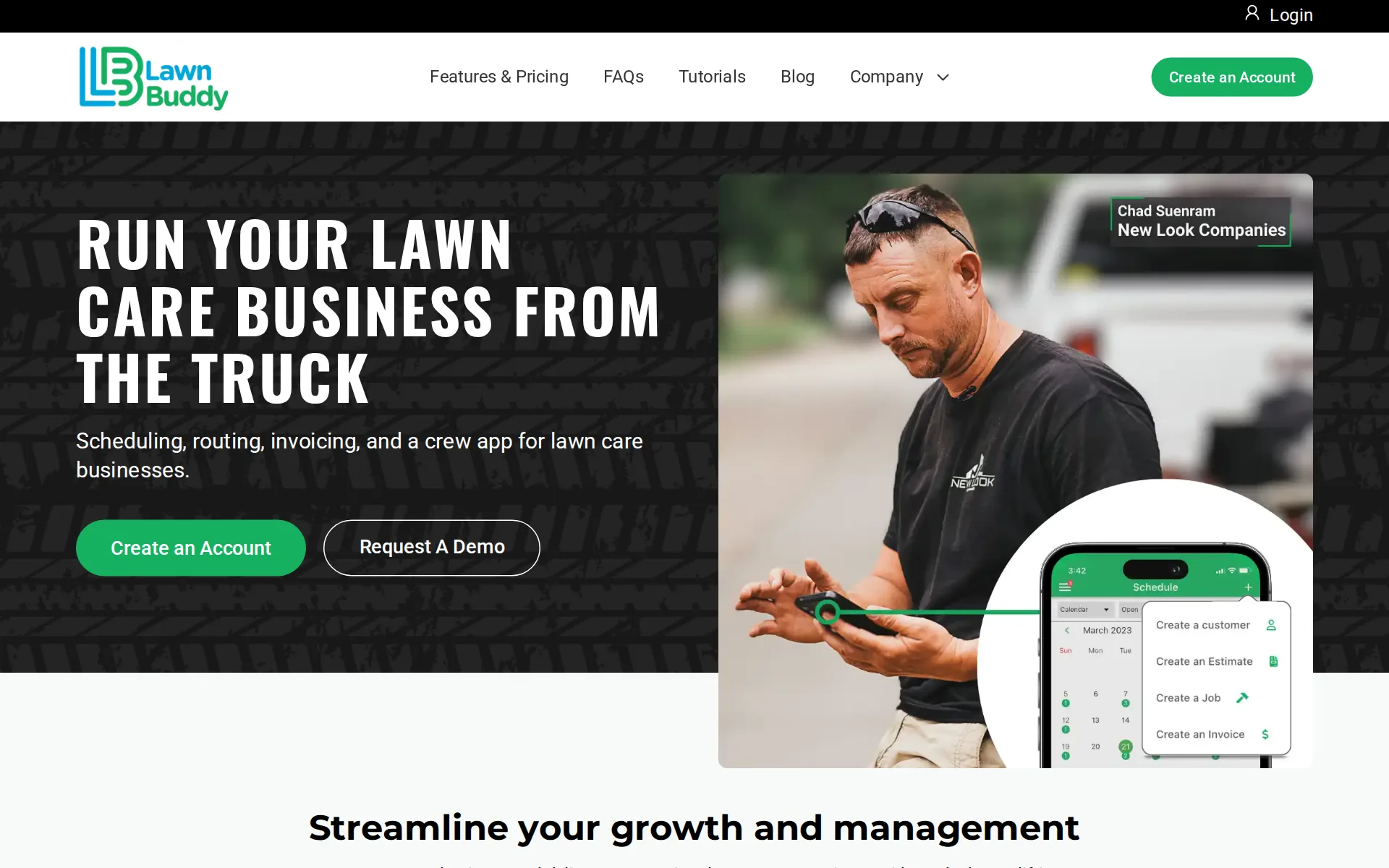
Lawn Buddy in our research
Lawn Buddy price and terms
Terms
- Free plan
- YesYesLite plan, $0 a month, single user, no estimates, no crew app or crew assignment
- Sign up without sales
- YesYes
The terms in full
card processing at 4.8% plus $0.30. The vendor says it is free forever, not a trial, and needs no credit card.
For AI agents
- API
- No
What needs a higher plan
- Pro
- Technician app, Route planning, Where the trucks are, Checklists, photos and signatures
- Exclusive
- Texts to customers, Timesheets, Job costing and reports
Where these prices come from
lawnbuddy.com/features-pricing, checked
All plans and limits
| Plan | Price | Crew members |
|---|---|---|
| Lite | $0 a month or $0 a year | Not stated |
| Standard | $12 a month | Not stated |
| Pro | $39 a month | unlimited |
| Exclusive | $78 a month | unlimited |
Read from lawnbuddy.com and lawnbuddy.com/features-pricing.
What we checked on Lawn Buddy
Cost for 5 users a month
$39 a month on Pro for 5 users.
PRO $39 / month
Cost for 10 users a month
$39 a month on Pro for 10 users.
On the page: Plan cards, PRO card, Billed Monthly position
Cost for one person a month
A one-person business pays $12 a month on Standard, the cheapest plan that schedules jobs, builds and sends estimates, invoices and takes card payments; the free Lite plan does estimates not at all.
STANDARD $12 / month
Promotion and regular price
none: the four published prices are the regular month-to-month rates, with no first-months promotion, and the page opens on monthly rather than showing a yearly price divided by twelve.
There are no contracts, no setup fees, and no charges for additional add-ons — the plan price is the plan price.
lawnbuddy.com/faqsChecked
Quote only
No plan is sold on a sales quote: all four plans carry a published monthly price, from free Lite to $78 Exclusive, with no setup or add-on fees.
Lawn Buddy has four plans. Lite is free forever. Standard is $12 per month, Pro is $39 per month, and Exclusive is $78 per month.
lawnbuddy.com/faqsChecked
What the price is based on
Each plan is a flat monthly price for a feature set, never a price per user: Lite and Standard cover one person, while Pro and Exclusive carry as many crew members as you like at the same price.
No, never. We do not charge per seat on any plan.
lawnbuddy.com/faqsChecked
Adding a user
There is no per-user price: Lite and Standard are one-user plans, and adding any crew member means moving to Pro or Exclusive, which allow unlimited users at the flat plan price.
Lite and Standard are single-user plans — they are built for an owner-operator working alone, so crew and employee accounts are not included. Pro and…
lawnbuddy.com/faqsChecked
Setup or onboarding fee
The vendor states plainly that there is no setup fee and no migration fee, and that importing your customer list is done for you at no charge on every plan including the free one.
On the page: Pricing and plans, 'How much does Lawn Buddy cost?'
lawnbuddy.com/faqsChecked
Card processing rate
Card processing is priced by plan: 4.8% plus $0.30 on free Lite, 3.8% plus $0.30 on Standard, 2.9% plus $0.30 on Pro and Exclusive, and the fee can be passed to the customer on every plan.
Processing is 4.8% plus $0.30 per transaction on Lite, 3.8% plus $0.30 on Standard, and 2.9% plus $0.30 on Pro and Exclusive. On every plan you have…
lawnbuddy.com/faqsChecked
HVAC
if you also run plumbing, HVAC, or handyman crews, Jobber is built for that and we are not.
On the page: 'Where Jobber is the better choice', first bullet
Plumbing
Built for one trade only: the vendor says it is purpose-built for lawn care and landscaping, that customers also run snow removal and pressure washing through it, and that plumbing, heating or handyman crews are not what it is for.
if you also run plumbing, HVAC, or handyman crews, Jobber is built for that and we are not.
Lawn care and landscaping
Built for one trade only: the vendor says it is purpose-built for lawn care and landscaping, that customers also run snow removal and pressure washing through it, and that plumbing, heating or handyman crews are not what it is for.
On the page: 'Where Jobber is the better choice', first bullet
Handyman
Built for one trade only: the vendor says it is purpose-built for lawn care and landscaping, that customers also run snow removal and pressure washing through it, and that plumbing, heating or handyman crews are not what it is for.
On the page: 'Where Jobber is the better choice', first bullet
Features for one trade
Lawn-specific work is in the product: measuring a lawn from satellite imagery, irregular shapes and multiple surfaces, volume for mulch, gravel or soil, and equipment and consumables tracking per truck.
Aerial site measurement lets you measure a lawn from satellite imagery, handle irregular shapes and multiple separate surfaces, and calculate volume…
lawnbuddy.com/faqsChecked
Schedule and calendar
Jobs can be one-off, recurring or multi-day and are shown in list, map and calendar views on every plan, with urgent work pushed to the top of a crew's list.
Set jobs to be either recurring, one-time, or multi-day.
Technician app
Crews get their own phone app showing jobs, routes and checklists with no customer pricing in it, but that crew app starts on Pro; Lite and Standard are single-person plans with no crew accounts.
Your crew gets their own app to see jobs, routes, and checklists without any sensitive financial information.
Route planning
The day's stops are ordered automatically for the shortest drive time with custom start and end points and hand edits, but only from Pro upward; the table marks it not included on Lite and Standard.
Routes for the day are automatically optimized for the shortest drive time to save you and your crews time & money.
Where the trucks are
The office can watch crews move on a map in real time while they use the app, at no extra charge, but the feature is listed not included on Lite and Standard and begins on Pro.
Track your crew in real-time and see them in a map view.
Texts to customers
The on-the-way text to customers is included only on the top Exclusive plan; general customer messaging is on every plan, and the pricing page says nothing about automatic appointment reminder texts.
On The Way Text Not included Not included Not included Included
Maintenance plans and recurring jobs
You can sell a flat monthly subscription that invoices itself at a set amount, and schedule a whole block of recurring visits for a customer in one go, on every plan including the free one.
Instead of charging your customer per job, you can now automatically send invoices on a monthly basis at a set amount each month.
lawnbuddy.com/faqsChecked
Checklists, photos and signatures
Crews work from daily task lists and checklists in their own app and photos can be attached to estimates, but the pages do not mention capturing a customer signature on the job, and checklists arrive with the crew app on Pro.
Create a daily task list for your crews.
Quotes and estimates
Estimates can be built, sent, prepaid in part and turned into a scheduled job without retyping, with your logo and photos on them, but all of that starts on Standard: the free Lite plan has no estimates.
Starting on our Standard plan, you can build project estimates, send them to the customer, and convert an accepted estimate into a scheduled job…
lawnbuddy.com/faqsChecked
Invoices
Finishing a job sends the invoice by itself and marks it paid when money arrives, tax and late fees can be added automatically, and overdue invoices can be resent in bulk on every plan.
Complete a job and an invoice is automatically sent to your customer and marked as paid once payment is received.
Card and bank payments
Customers can pay by credit card, debit card, bank transfer, Apple Pay or Google Pay, cards can be kept on file, and the crew or office can take payment from the app on any plan.
Your customers can pay by credit card, debit card, ACH bank transfer, Apple Pay, or Google Pay.
lawnbuddy.com/faqsChecked
Fast payouts
Money reaches your bank one to three business days after the customer pays, on every plan including the free one, and the vendor publishes no faster or paid same-day payout option.
Payouts reach your bank account within one to three business days after the customer pays. That applies on every plan, including Lite.
lawnbuddy.com/faqsChecked
Customer financing
Customers can spread the cost of a larger landscaping job through Global Payments AfterPay, and the vendor's Delay Pay feature pays you straight away while the customer finances the work.
Financing is also available through Global Payments AfterPay, which is useful on larger landscaping jobs where the customer would rather spread the…
lawnbuddy.com/faqsChecked
Parts and inventory
Trucks and equipment are tracked with check-in and check-out, maintenance warnings, refill alerts and per-truck consumables, but none of it is on the free Lite plan: it starts at Standard.
You can track equipment check-in and check-out, set maintenance warnings so a mower service does not get missed, and monitor consumables per truck…
lawnbuddy.com/faqsChecked
Online booking
The vendor states outright that it does not offer customer self-service booking, and its own comparison table marks client self-service booking 'Not offered' against a competitor that has it.
You need client-facing online booking. Jobber's client hub lets customers book, approve quotes, and pay on their own. We do not offer that.
Timesheets
Clock-in and check-out at job sites, employee time reports and manual time entry exist only on the Exclusive plan; the pricing page names no payroll software the hours can go to.
Check In & Out At Job Sites Not included Not included Not included Included
Marketing campaigns
Bulk email and text to your own customers is included, but the vendor says in its own words that it has no marketing automation, and its comparison table marks marketing automation 'Not offered'.
You want built-in marketing automation. Jobber includes its marketing suite with the Plus plan, and offers it as a $99/month add-on on other plans.…
Job costing and reports
You can set an expected time for a job and compare it with the hours actually spent, which is as close as the product gets to job profit, and that comparison is on Exclusive only.
Add the estimated time a job should take and have the ability to compare actual time spent on job sites with the estimated duration.
QuickBooks Online
Invoices and payments sync to QuickBooks Online on every plan, the free one included, which the vendor calls its biggest gap against rivals
Yes, on every plan including the free Lite plan. Invoices and payments sync to QuickBooks Online so your bookkeeper is not re-entering anything.
lawnbuddy.com/faqsChecked
QuickBooks Desktop
QuickBooks Desktop and Xero are never mentioned, and data can also be downloaded as a spreadsheet file.
On the page: Features, 'Does Lawn Buddy work with QuickBooks?'
lawnbuddy.com/faqsChecked
Xero
QuickBooks Desktop and Xero are never mentioned, and data can also be downloaded as a spreadsheet file.
On the page: Features, 'Does Lawn Buddy work with QuickBooks?'
lawnbuddy.com/faqsChecked
Zapier and API
Asked where a rival wins, the vendor names its whole list of outside connections — accounting, two card processors and a financing service — and concedes the rival links to more tools; no way for other software to connect is published anywhere on the site.
You need a wide range of third-party integrations. We integrate with QuickBooks, Stripe, EVO, and AfterPay financing. Jobber connects to more tools…
Canada
the site says nothing about Canada, Britain or Australia.
Lawn Buddy is an independent company based in Wichita, Kansas, founded in 2016 by Steven Werner and Phil Matthew.
lawnbuddy.com/faqsChecked
Australia
the site says nothing about Canada, Britain or Australia.
On the page: About Lawn Buddy, 'Who makes Lawn Buddy?'
lawnbuddy.com/faqsChecked
Free trial or free plan
The Lite plan is free for good, needs no card to start and is not a trial, so you can run your own jobs, customers, invoices and QuickBooks sync on it beside your current software for a whole season.
Yes. The Lite plan is free forever, not a trial. It does not expire, and it does not require a credit card to start.
lawnbuddy.com/faqsChecked
Sign up without a sales call
You create the account yourself online with no card and no sales call, and a demo is offered rather than required; plans can be changed up or down from inside the account at any time.
Create an account at pro.lawnbuddy.com/register. No credit card is required to start on Lite.
lawnbuddy.com/faqsChecked
Help getting set up
Someone walks you through setup on a call and imports your existing customer list from a spreadsheet for you, free on every plan including the free one, with no time limit and no migration fee.
Onboarding is free on every plan, including the free one, and there is no time limit on the help.
lawnbuddy.com/faqsChecked
Contract and cancelling
Every plan runs month to month with no contract and no cancellation fee, and you can move up, move down or stop from inside the account, with changes taking effect at the next billing date.
No. Every plan is month to month with no contract and no cancellation fee. You can upgrade, downgrade, or cancel at any time, and changes take effect…
lawnbuddy.com/faqsChecked
Support
A person answers the phone in Wichita on every plan including the free one, and an email address is published, but the stated hours are Monday to Friday 8am to 5pm Central, so a 7am breakdown falls outside them and no live chat is mentioned.
Monday to Friday, 8am to 5pm Central. In practice we often pick up outside those hours too, because we are a small team and lawn care does not keep…
lawnbuddy.com/faqsChecked
Getting your data out
All of your data can be downloaded as a spreadsheet file to hand to a bookkeeper or accountant, and that download is listed as included on every plan including the free Lite plan.
Download all of your data as a .csv file to send to your bookkeeper or accountant.
Lawn Buddy alternatives
All 9 alternatives6 more alternatives
6 of the 9 publish a price.
- FieldRoutesOn quotePest control and lawn care field service software for scheduling, routing, billing and payments.
- Service AutopilotFrom $49 a month billed annuallyRoute-heavy service business software built around Automations workflows and two-way QuickBooks sync.
- Service FusionOn quoteField service software with unlimited users on every plan and QuickBooks Online or Desktop sync from the base plan.
- fielddFrom $199 a monthAll-in-one booking, scheduling, payments and marketing software for mobile and shop service businesses.


Sources and changes
Last changed
Sources on lawnbuddy.com4
What changed on this page1
- Field features
Similar in Field service software
See all in Field service software
- MarkateAll-in-one job, scheduling, dispatch, quoting, invoicing and payment software for home service businesses.
- mHelpDeskField service management software for service businesses to schedule jobs, dispatch teams, invoice and take payment.
- OneBookPlusAustralian trades app that keeps quotes, a dispatch board, GST invoices and its own double-entry ledger together.
- OptimoRouteRoute and schedule optimization that plans every technician's day at once and sends it to a driver app.


Is Lawn Buddy yours?
It's free and marks the page as verified. You confirm it with an email at lawnbuddy.com. Claim this listing
Report an error if a fact is wrong.