


Commusoft price and terms
Terms
- Free to start
- PartlyNo free plan (limited free use)A free trial is advertised
- Sign up without sales
- NoNo
The terms in full
the public US pages do not state its duration, card requirement, or a permanent free plan.
For AI agents
- API
- Yes
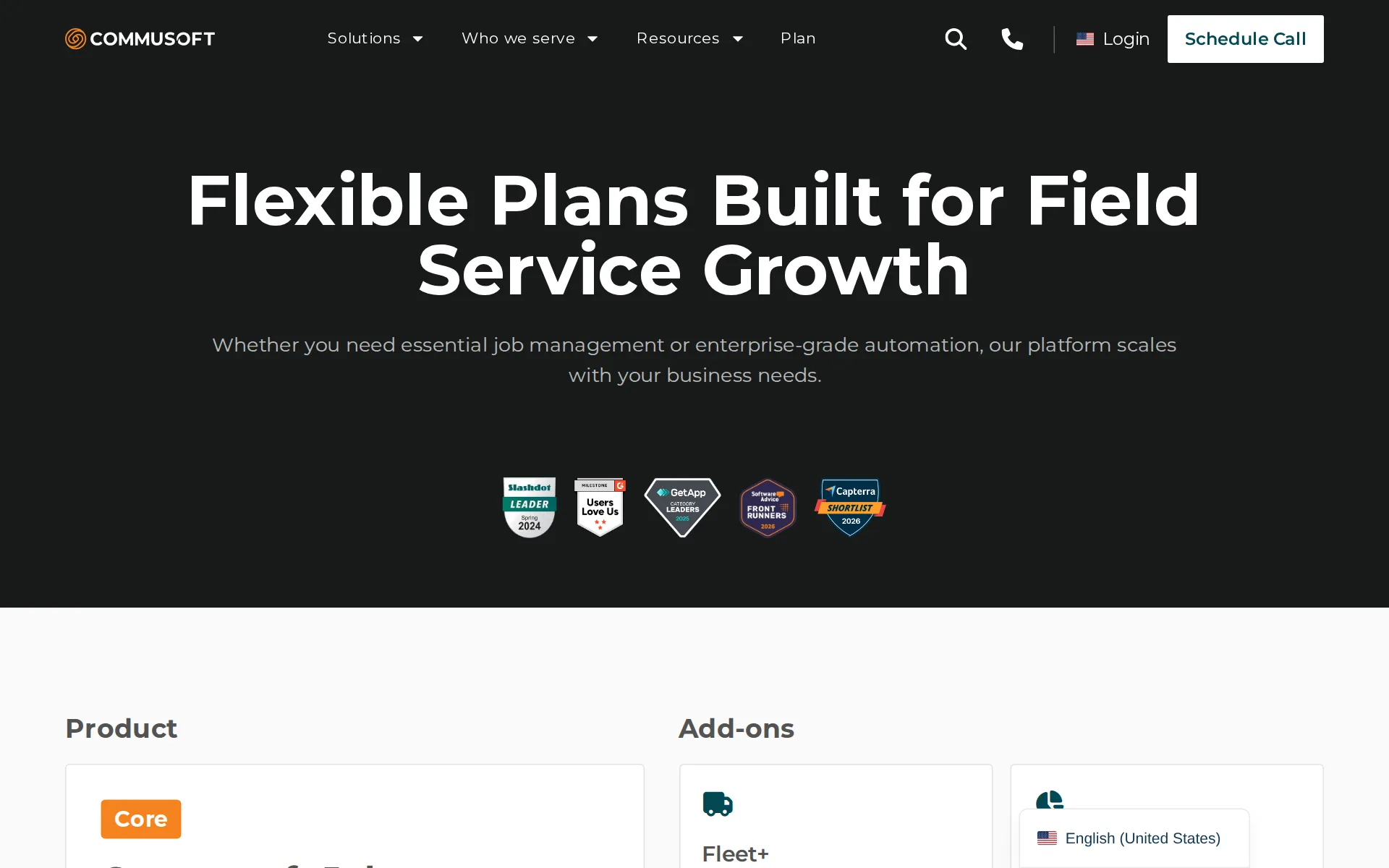
Pricing page, captured
commusoft.com/en-us/plans, checked
What we checked on Commusoft
Quote only
The US plans page describes product plans and license types, but it provides no public rate or checkout.
For specific pricing queries, it’s always best to speak to our team directly.
commusoft.com/en-us/faqsChecked
What the price is based on
Commusoft describes licenses for office staff, managers, and technicians, including contracted, rolling monthly, and daily types.
All office staff, managers, and technicians use the software and therefore require a license.
commusoft.com/en-us/plansChecked
Adding a user
Adding a technician means buying another license, not moving to a higher plan. The vendor states there is no user limit, but publishes no per-license price.
There is no limit on the number of users the software can support.
commusoft.com/en-us/plansChecked
HVAC
Dedicated industry pages exist for HVAC, plumbing and electrical contractors, plus generators, refrigeration, building and facility maintenance.
We serve plumbing & heating, electrical, HVAC, renewable energy, building maintenance, and generator maintenance businesses, to name just a few.
commusoft.com/en-us/faqsChecked
Plumbing
Dedicated industry pages exist for HVAC, plumbing and electrical contractors, plus generators, refrigeration, building and facility maintenance.
On the page: Understanding Commusoft FAQ, 'What industries is Commusoft designed for?'
commusoft.com/en-us/faqsChecked
Electrical
Dedicated industry pages exist for HVAC, plumbing and electrical contractors, plus generators, refrigeration, building and facility maintenance.
On the page: Understanding Commusoft FAQ, 'What industries is Commusoft designed for?'
commusoft.com/en-us/faqsChecked
Lawn care and landscaping
No lawn care, cleaning, pest control, pool or handyman pages appear on the industries hub.
On the page: Understanding Commusoft FAQ, 'What industries is Commusoft designed for?'
commusoft.com/en-us/faqsChecked
Cleaning
No lawn care, cleaning, pest control, pool or handyman pages appear on the industries hub.
On the page: Understanding Commusoft FAQ, 'What industries is Commusoft designed for?'
commusoft.com/en-us/faqsChecked
Pest control
No lawn care, cleaning, pest control, pool or handyman pages appear on the industries hub.
On the page: Understanding Commusoft FAQ, 'What industries is Commusoft designed for?'
commusoft.com/en-us/faqsChecked
Pool service
No lawn care, cleaning, pest control, pool or handyman pages appear on the industries hub.
On the page: Understanding Commusoft FAQ, 'What industries is Commusoft designed for?'
commusoft.com/en-us/faqsChecked
Handyman
No lawn care, cleaning, pest control, pool or handyman pages appear on the industries hub.
On the page: Understanding Commusoft FAQ, 'What industries is Commusoft designed for?'
commusoft.com/en-us/faqsChecked
Features for one trade
Commusoft documents HVAC refrigerant tracking and trade-specific plumbing price books alongside asset and inventory records.
Our Asset Maintenance feature provides granular inventory management and refrigerant tracking, creating a bulletproof audit trail for every ounce of…
Schedule and calendar
Office users can drag appointments in a digital calendar, use daily or monthly views, and dispatch field staff in real time.
Drag and drop appointments, adjust timelines, and drill into individual job details from a single, intuitive digital calendar.
Technician app
The Field Mobile App gives technicians job details, history, forms, photos, invoices, and payment collection while working on site.
it lets techs view job details, upload photos, fill out forms, and collect payments—all from the palm of their hand.
Route planning
Assisted scheduling considers travel distance and technician availability, while intelligent scheduling proposes routes and appointment assignments.
For maximum efficiency, our intelligent scheduler analyzes full schedules to uncover the most profitable routes for your team.
Where the trucks are
Core plans mention vehicle locations, but dedicated live GPS tracking uses the Fleet+ add-on and hardwired vehicle trackers.
Live GPS tracking and driver behavior alerts.
commusoft.com/en-us/plansChecked
Texts to customers
Automated reminders and on-the-way SMS messages can include technician information, a live map, and arrival timing.
Commusoft’s automated ‘on-the-way’ SMS communication sends a text alert to the customer when their technician is en route.
Maintenance plans and recurring jobs
Service contracts generate maintenance jobs when due and support recurring billing across monthly, quarterly, annual, or custom cycles.
Commusoft will then automatically generate the jobs when they are due and add them to your schedule
Checklists, photos and signatures
Digital Forms supports custom checklists, photo uploads, signatures, guided tasks, and job reports sent to customers.
Go paperless. Complete safety checks, service reports, and capture signatures digitally.
commusoft.com/en-us/plansChecked
Works without signal
Technicians can view job details and record notes, photos, and completed tasks without signal; the app synchronizes after reconnecting.
Technicians can continue to view job details and capture critical information like notes, photos, and completed tasks without a signal.
Quotes and estimates
Customers can accept a quote online with an electronic signature, after which the platform converts it into a job and invoice.
When a client accepts a quote online, Commusoft automatically converts it into a job.
Price book and options
The plumbing product page says users can build a price book for common jobs, and quoting supports multi-option proposals.
Present good-better-best options with high-margin add-ons to increase average ticket sizes and win rates.
Invoices
Completed jobs can become invoices, and the product supports recurring, multi-stage, consolidated, and online invoice payment workflows.
Convert digital job sheets into professional, itemized invoices with a single click.
Card and bank payments
Customers can pay invoices online by card or bank transfer through the portal, while technicians can take card payments on site.
Integrate Stripe to accept secure credit card payments directly on-site or via your customer portal.
Fast payouts
The Stripe integration says payments reflected in the bank account take up to seven days, not same-day or next-day payout.
payments made in Commusoft are reflected in your bank account within 7 days.
Customer financing
Customer financing can be offered on proposals, but it is described on the Sales+ add-on page and no lending partner is named.
Include good, better, best options, add-ons, offer customer financing options, and capture e-signatures
Parts and inventory
Inventory management tracks parts across main storerooms and technician vans, including locations, use, purchase orders, and stock thresholds.
Our parts management system tracks inventory across locations, from your main storeroom to each technician’s van.
Online booking
A website booking portal accepts customer service requests at any time and sends them into Commusoft for calendar review.
Requests flow directly into your Commusoft calendar, ready for you to review and confirm.
Customer portal
The secure customer portal lets customers inspect their job and invoice history, accept quotes, make payments, and manage appointments.
Customers access history, view financial documents via the statement portal, pay invoices, accept quotes, and manage appointments in the appointment…
Timesheets
Technicians can clock in and out in the app and record travel, on-site time, and breaks; no payroll integration is named.
Technicians can clock in/out via the app, automatically recording travel and on-site time with timestamps.
Leads and follow-ups
Sales+ is a named add-on that supplies an opportunity pipeline and automated follow-ups rather than a stated core-plan capability.
Advanced pipeline management and automated follow-ups.
commusoft.com/en-us/plansChecked
Marketing campaigns
The MailChimp integration lets users create and send targeted promotional emails to existing customers from Commusoft; no cost is published.
Our MailChimp integration allows you to create and send targeted promotional emails to your existing customers without ever leaving the Commusoft…
Several locations
The CRM supports parent companies with multiple service locations, individual site assets, contracts, centralized billing, and reporting.
You can create a master service contract and apply it across different sites, each with its own set of unique assets, while still managing billing…
Job costing and reports
Job costing allocates labor, parts, and purchase-order costs to jobs and reports profitability by job, technician, and service type.
With profit reports, analyze profitability on a per-job, per-technician, or per-service-type basis.
AI features
AI:den writes job reports from technician notes, drafts quotes from survey data, summarizes emails and calls, and reads supplier invoice PDFs. A further AI:den+ add-on is marked 'Coming soon' on the plans page.
By summarizing phone calls, drafting quotes, and producing customer-ready job reports, AI:den automates routine tasks so your team can focus on what…
QuickBooks Online
Commusoft explicitly documents QuickBooks Online syncing for customers, invoices, and payments, and also publishes a Xero integration.
Commusoft will automatically send customers, invoices, payments, credit notes, suppliers, supplier invoices, supplier payments, and supplier credit…
Xero
Commusoft explicitly documents QuickBooks Online syncing for customers, invoices, and payments, and also publishes a Xero integration.
On the page: Take Control of Your Accounting Workflows section
Zapier and API
Other software connects through a Zapier integration, and a Private Application framework lets your own developers build custom integrations with scoped permissions.
Our Private Application framework gives your IT team complete control over custom integrations.
Canada
Sold in the US, UK and Canada, with support teams in Chicago and London and a separate UK site.
Commusoft is available to customers in the UK, US, and Canada.
commusoft.com/en-us/faqsChecked
Australia
Australia is not on the vendor's list, and invoice tax handling for each country is not described.
On the page: Understanding Commusoft FAQ, 'Where is Commusoft available?'
commusoft.com/en-us/faqsChecked
Free trial or free plan
Commusoft advertises a free trial, but the public US pages do not state its duration, eligibility, card requirement, or a permanent free plan.
Simplify your workflow. Start your free trial today.
Sign up without a sales call
There is no online checkout: plans are tailored by the sales team, and every call to action books a demo or a call.
Talk to our team to find a plan tailored to your needs.
commusoft.com/en-us/faqsChecked
Help getting set up
All new clients receive a devoted trainer, personalized onboarding, phone and email support, and a follow-up session; public pages do not state a fee.
All new clients are onboarded with a devoted trainer after joining.
Contract and cancelling
Standard plans run on a 12-month contract that renews annually. Monthly rolling licenses can only be added on top of a contracted plan, and the terms require 30 days' written notice to end the agreement.
Our standard plans are built on a 12-month contract to ensure you lock in your price and dedicated support.
commusoft.com/en-us/plansChecked
Support
Commusoft publishes phone and email support based in the customer’s country, alongside a knowledge base; public pages do not list hours.
Phone and email support based in your country.
Getting your data out
No self-serve data export is described. The terms say help handing over to another provider is at Commusoft's discretion and billed at its standard rates.
Provider may in its sole discretion agree to provide any assistance reasonably requested by the Customer in connection with the hand-over to a third…
Commusoft alternatives
All 9 alternatives6 more alternatives
6 of the 9 publish a price.
- BuildOpsOn quoteField service and project software for commercial mechanical, electrical and plumbing contractors.
- mHelpDeskFrom $169 a monthField service management software for service businesses to schedule jobs, dispatch teams, invoice and take payment.
- Lawn BuddyFree, then $12 a monthLawn care and landscaping software: scheduling, routing, invoicing and a separate crew app.
- WorkizFrom $275 a month billed annuallyDispatch and billing app with its own phone system and a paid AI that books callers in English, Spanish or French.


Sources and changes
Last changed
Sources26
- commusoft.com/en-us/plans
- commusoft.com/en-us/features/mobile-workforce-management-software
- commusoft.com/en-us/features/customer-database-software
- commusoft.com/en-us/faqs
- commusoft.com/en-us/features/inventory-management
- commusoft.com/en-us/integrations
- commusoft.com/en-us/features/customer-portal
- commusoft.com/en-us/features/estimating-and-quoting-software
- commusoft.com/en-us/features/job-scheduling-software
- commusoft.com/en-us/features/digital-forms-software
- commusoft.com/en-us/features/field-sales-crm
- commusoft.com/en-us/features/job-costing-software
- commusoft.com/en-us/industries/hvac-software
- commusoft.com/en-us/onboarding-implementation
- developer.commusoft.com/
- commusoft.com/
- commusoft.com/en-us/company/terms-conditions
- commusoft.com/en-us/features/aiden
- commusoft.com/en-us/features/analytics
- commusoft.com/en-us/features/fleet-management-software
- commusoft.com/en-us/features/service-contract-management-software
- commusoft.com/en-us/field-service-crm
- commusoft.com/en-us/industries/plumbing-software
- commusoft.com/en-us/integrations/quickbook-online
- commusoft.com/en-us/integrations/stripe
- commusoft.com/sitemap-industry-en-us.xml
Similar in Field service software
See all in Field service software
- Crew ControlAspire's lightweight per-crew job management for growing landscaping and lawn care contractors.
- Estimate RocketContractor platform with trade-specific estimate builders, proposals, client portal and project tracking.
- FieldCampAI-native field service suite with a built-in AI receptionist and dispatcher, sold only by quote.
- fielddAll-in-one booking, scheduling, payments and marketing software for mobile and shop service businesses.


From our research
- What field service software costs and where it jumpsLawn Buddy and ServiceM8 have free plans, several paid plans are cheap to start, and the price jumps with fieldd.
- What Is the Best Timesheet System for Small Businesses?Connecteam is free for small crews, Workyard prices per seat with location-checked timesheets, and Swept fits cleaning companies billed per site.
- The median field service tool cost $231 a month for 5 users in November 2026, and $339 for 10
Is Commusoft yours?
It's free and marks the page as verified. You confirm it with an email at commusoft.com. Claim this listing
Report an error if a fact is wrong.