
Housecall Pro price and terms
Terms
- Free to start
- PartlyNo free plan (limited free use)14-day free trial of the MAX plan, no credit card needed
- Sign up without sales
- PartlySome plansUp to CSR AI add-on
The terms in full
no standing free plan is shown. Vendor: "Enjoy full access to all Housecall Pro features on our MAX plan for 14 days, absolutely free—no credit card needed to start!"
For AI agents
- API
- PartlyMax
What needs a higher plan
- Essentials
- Cost for 5 users a month, Cost for 10 users a month, Where the trucks are, Checklists, photos and signatures, Price book and options, Technician commissions
- Max
- Maintenance plans and recurring jobs, Zapier and API, Help getting set up
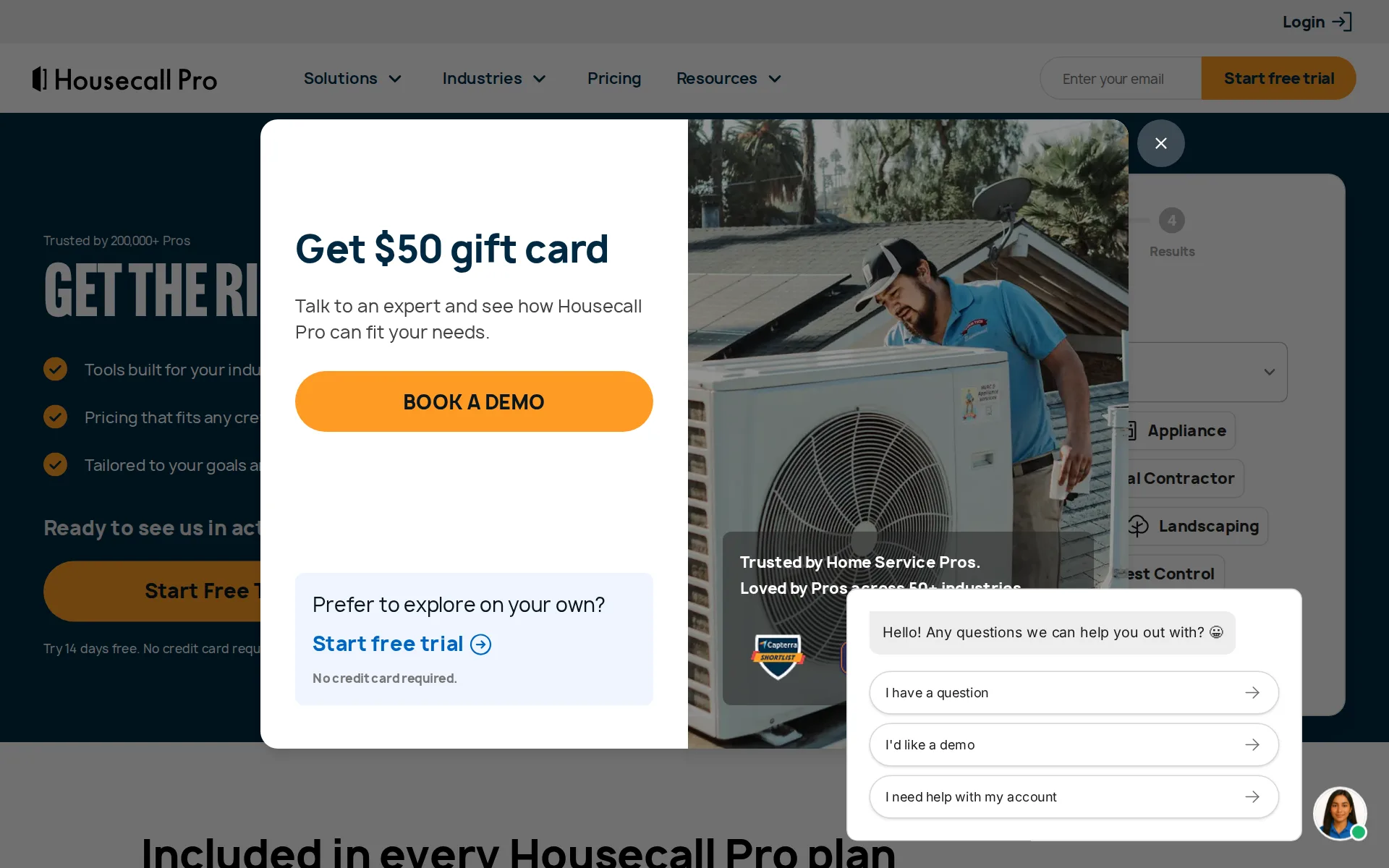
Pricing page, captured
housecallpro.com/pricing, checked
All plans and limits
| Plan | Price | Users |
|---|---|---|
| Basic | $79 a month or $59 a month, billed yearly | 1 user |
| Essentials | $189 a month or $149 a month, billed yearly | 5 |
| Max | $329 a month or $299 a month, billed yearly | 8 |
Read from housecallpro.com/pricing.
What we checked on Housecall Pro
Cost for 5 users a month
$299 a month on Essentials (Teams) for 5 users. Counted as one office user and the rest technicians in the field. Essentials (Individual) might cost less, but no overage price is published, so it could not be priced past its allowance.
Essentials For residential and commercial Pros selling larger jobs. $299/mo Get Started 5 users included
Cost for 10 users a month
$799 a month on Essentials (Teams) for 10 users. Counted as one office user and the rest technicians in the field. Essentials (Individual), Max (Individual) might cost less, but no overage price is published, so it could not be priced past its allowance.
On the page: Teams view, Essentials card price cell
Cost for one person a month
Basic includes core scheduling, estimates, invoicing, and payments for a one-person operation.
Everything included, plus: Online booking
housecallpro.com/pricingChecked
Promotion and regular price
none: the plan cards show plain monthly prices with no promotion, no first-months discount and no monthly/annual billing control, so the price shown is the regular monthly price.
$79/mo Get Started 1 user
housecallpro.com/pricingChecked
What the price is based on
Plans include a set number of users and charge for each extra one: on the Teams view Essentials includes 5 users and Max includes 8, with a monthly price per extra user. Every plan on the Individual view includes 1 user.
$299/mo Get Started 5 users included *$100/mo per additional user
housecallpro.com/pricingChecked
Adding a user
On the Teams view each extra technician has a published monthly price: $100 per extra user on Essentials beyond 5 included, $75 on Max beyond 8. Basic is shown only as a one-user plan.
$649/mo Book Demo 8 users included *$75/mo per additional user
housecallpro.com/pricingChecked
Setup or onboarding fee
Setup fees mentioned, no amount published. The pricing page shows no setup fee.
Additional charges, such as setup fees, postcards, chargebacks, and any other items not included in the basic subscription fee, are non-refundable.
Card processing rate
Housecall Pro publishes card processing rates as low as 2.59 percent across plans.
On the page: Included in every Housecall Pro plan
housecallpro.com/pricingChecked
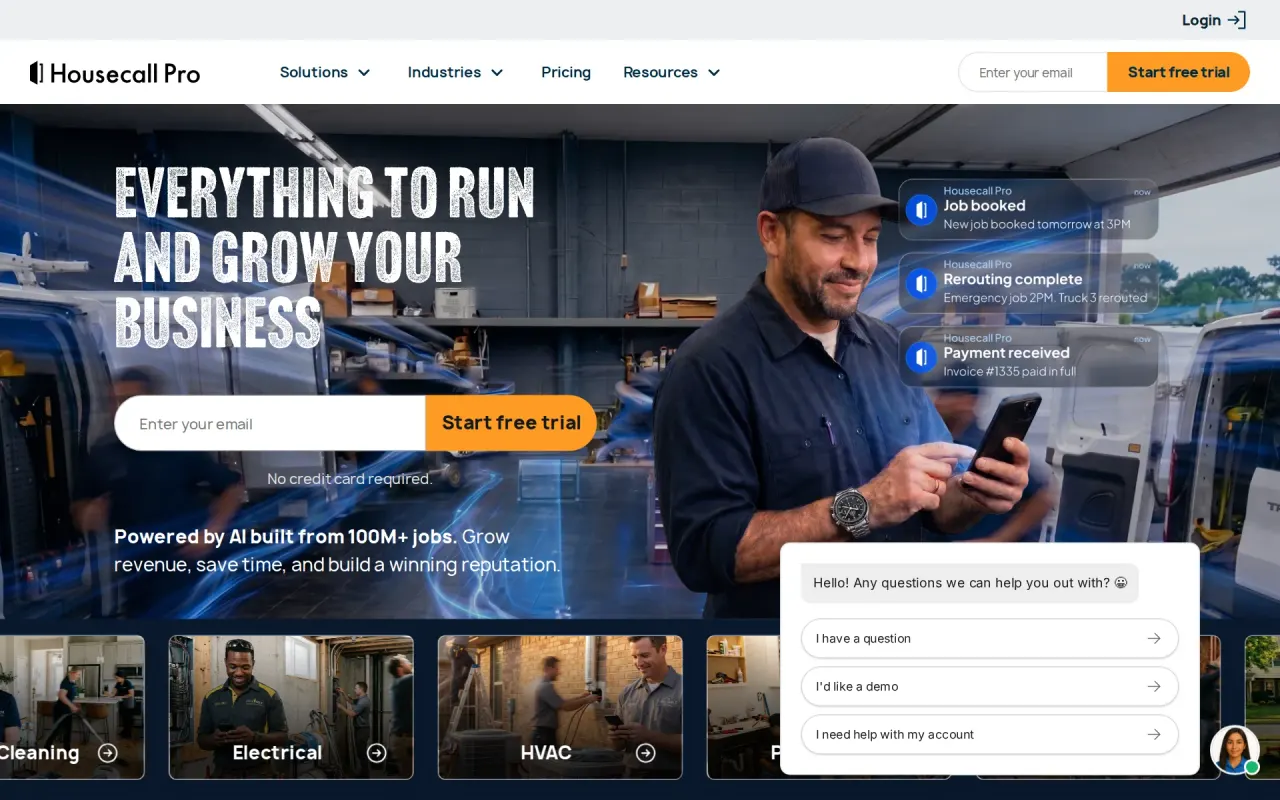
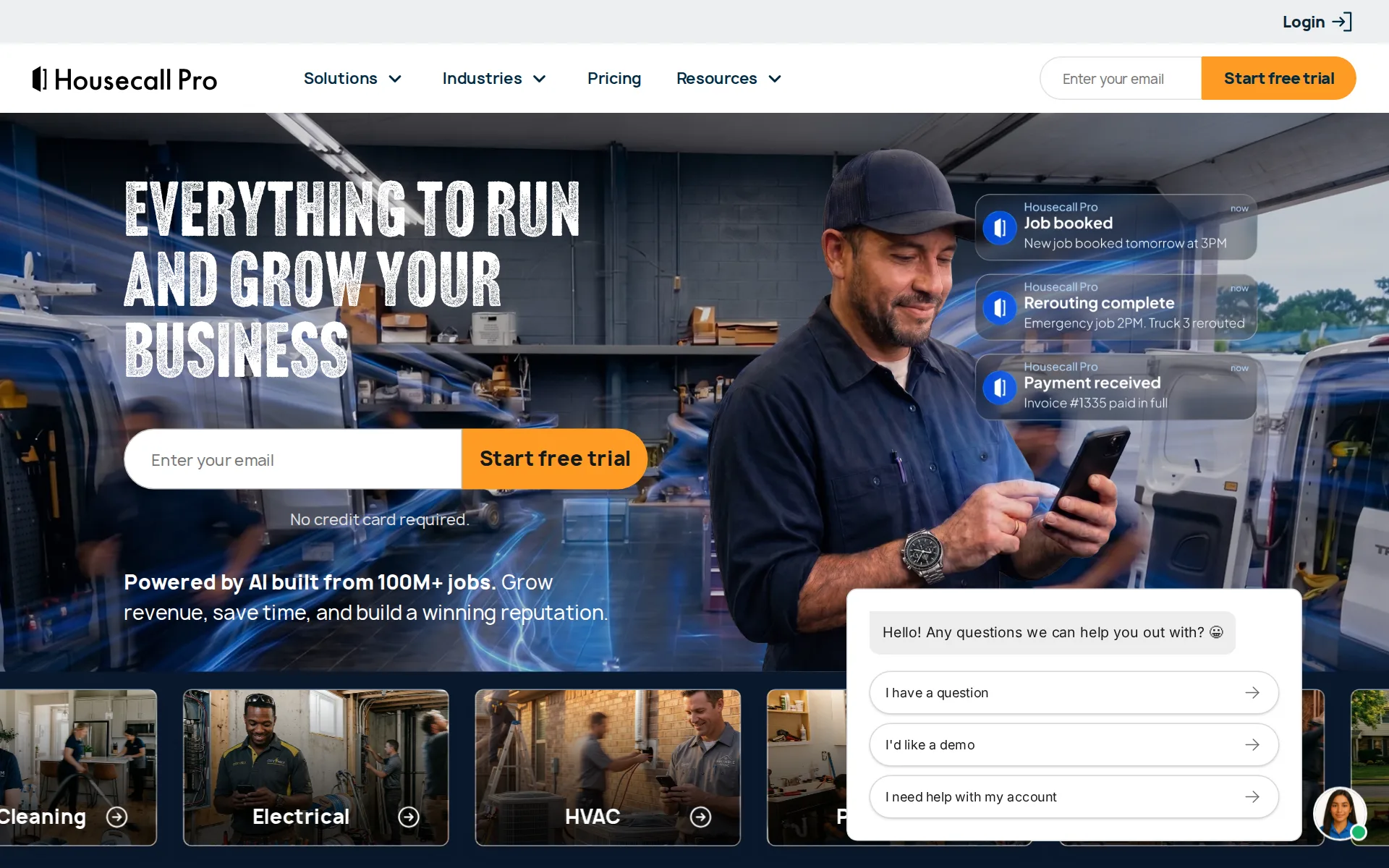
HVAC
Vendor materials expressly address HVAC, plumbing, cleaning, electrical, landscaping, pest control, and handyman work.
HVAC, plumbing, cleaning, electrical, or another trade
Plumbing
Vendor materials expressly address HVAC, plumbing, cleaning, electrical, landscaping, pest control, and handyman work.
On the page: Scheduling software FAQ, industries using scheduling software
Electrical
Vendor materials expressly address HVAC, plumbing, cleaning, electrical, landscaping, pest control, and handyman work.
On the page: Scheduling software FAQ, industries using scheduling software
Cleaning
Vendor materials expressly address HVAC, plumbing, cleaning, electrical, landscaping, pest control, and handyman work.
On the page: Scheduling software FAQ, industries using scheduling software
Pest control
Vendor materials expressly address HVAC, plumbing, cleaning, electrical, landscaping, pest control, and handyman work.
On the page: Scheduling software FAQ, industries using scheduling software
Handyman
Vendor materials expressly address HVAC, plumbing, cleaning, electrical, landscaping, pest control, and handyman work.
On the page: Scheduling software FAQ, industries using scheduling software
Features for one trade
The platform documents flat-rate price books and recurring plans, though no chemical-log or pool-reading evidence was found.
Flat-rate pricing
housecallpro.com/pricingChecked
Schedule and calendar
The scheduling calendar supports drag-and-drop appointments, technician assignment, and changes in one shared view.
Drag and drop appointments, filter views, and color-code by area or employee in a customizable calendar.
Technician app
The iOS and Android app puts job details, schedules, customer history, quotes, and payments in the field.
Job details, schedules, and customer history are always on hand
Route planning
Route mapping previews technician routes, travel time, and job information before dispatch and supports optimization.
See estimated travel time between jobs and optimize for drive time with a click
Where the trucks are
Essentials includes employee GPS tracking from technicians’ mobile phones without hardware requirements.
Employee GPS tracking Locates techs on the map using their mobile phone's GPS, no hardware required.
housecallpro.com/pricingChecked
Texts to customers
Automated reminders and live-GPS on-my-way texts keep customers informed before and during appointments.
Send automatic reminders leading up to customer appointments—and “On my way” texts with live GPS tracking.
Maintenance plans and recurring jobs
Max includes recurring service plans designed to support recurring maintenance agreements and predictable revenue.
Recurring Service Plans Secure a stable income through recurring maintenance agreements.
housecallpro.com/pricingChecked
Checklists, photos and signatures
Essentials supplies custom checklists and annotated photo reports, though the reviewed evidence does not establish signatures on forms.
Checklist automations Ensure each job is done correctly with custom checklists.
housecallpro.com/pricingChecked
Works without signal
The mobile app permits offline viewing of job and scheduling data, but does not support offline editing.
Editing in offline mode is not supported at this time.
Quotes and estimates
Customers can approve estimates with signatures, and approved estimates can be copied directly into jobs.
Once a customer approves an estimate, Housecall Pro lets you copy it directly into a a job
Price book and options
A price book is listed on the Basic plan. Good, better and best quote options come from the sales proposal tool, which the cards list from Essentials up, along with flat-rate pricing.
Send “good, better, best” options on installs and change outs in seconds to close bigger jobs.
housecallpro.com/pricingChecked
Invoices
Housecall Pro sends invoices with direct payment links and positions automated reminders as an invoicing feature.
Send polished, professional invoices with direct payment links.
Card and bank payments
The service accepts card payments online or in the field and supports bank transfers through invoice links.
Accept secure credit and debit card payments with seamless options at every customer touchpoint.
Fast payouts
Instapay is advertised as delivering card-payment funds in minutes, but the vendor page does not publish its fee.
Get paid in minutes on any credit or debit card payment
Customer financing
Consumer financing is offered through Wisetack lending partners so customers can pay over time.
Payment options through Wisetack are provided by our lending partners
Parts and inventory
Materials per job and usage reports; no stock counts. Jobs record materials from the price book with source, purchase status and vendor, and a 'Material on jobs' report shows usage.
Many of our pros use QuickBooks Online Plus as they have a built-in inventory tracking feature that works well for keeping track of your materials.
Online booking
Customers can book directly from Google or a business website, with availability sent to the team calendar.
Set up Reserve with Google to get booked directly from Google Search and Maps.
Customer portal
Existing clients can view, reschedule, or cancel jobs through the Customer Portal, and the vendor describes payment access.
Let existing clients view, reschedule, or cancel through the Customer Portal
Review requests
Basic includes review-management tools that the vendor says make it easy to collect and share reviews.
Review management Build online reputation with tools that make it easy to collect and share reviews.
housecallpro.com/pricingChecked
Timesheets
The mobile application has built-in time tracking so technicians can clock in and out instantly.
Clock in and out instantly with built-in time tracking.
Technician commissions
Essentials includes commissions that can use different rates by item, service, or job type.
Commissions Pay different rates by item, service, or job type.
housecallpro.com/pricingChecked
Leads and follow-ups
The vendor describes Pipeline as tracking leads and sending automated follow-ups to convert them into jobs.
Convert more leads into jobs with time-saving, automated follow-ups—and track them all in one place.
housecallpro.com/pricingChecked
Job costing and reports
Basic includes job costing for tracking and reporting costs associated with each job.
Job costing Track and report the costs associated with each job.
housecallpro.com/pricingChecked
AI features
Housecall Pro documents AI for scheduling, reporting and strategy insights, marketing content, and in-product help.
Analyst AI provides clear reports and insights to help you track revenue, cut costs, and make informed decisions.
AI call answering add-on
CSR AI answers calls and chats, uses account information, and automatically schedules jobs from customer contacts.
Let CSR AI automatically schedule jobs based on your schedule and service preferences.
QuickBooks Online
QuickBooks Online and Desktop sync are documented, with the public pricing page placing Online sync on Essentials.
Housecall Pro provides seamless integration with both QuickBooks Online and Desktop.
Zapier and API
A way for other software to connect is included on Max, while the pricing page does not present it as a Basic or Essentials entitlement.
Open API access Connect Housecall Pro to other systems with full API access.
housecallpro.com/pricingChecked
United States
United States
On the page: Section 'USE OF THE SERVICE'
housecallpro.com/termsChecked
Canada
Canada allowed by the terms, in USD
The Service is offered to Users who are 18 years of age or older and reside in the United States or Canada.
housecallpro.com/termsChecked
Free trial or free plan
A 14-day, no-card trial is available, but the pricing page presents no standing free plan.
Try 14 days free. No credit card required. Cancel anytime.
housecallpro.com/pricingChecked
Sign up without a sales call
The software is bought self-serve and the help center says CSR AI can be signed up for self-serve, but you must contact an onboarding specialist or chat to obtain the forwarding number.
To get the number to forward to, please contact your CSR AI onboarding specialist or chat into the Blue Chat Bubble.
Help getting set up
Max includes personalized setup guidance and coaching delivered by a dedicated onboarding specialist.
Dedicated onboarding specialist Get personalized setup guidance and coaching from a dedicated rep.
housecallpro.com/pricingChecked
Contract and cancelling
Monthly billing with no contract is offered and annual billing is discounted, but canceling is not self-serve: the vendor directs you to email, the billing tab or support.
To cancel your service and request a refund, please email us at cancellations@housecallpro.com.
housecallpro.com/termsChecked
Support
Phone support runs weekdays 5am-5pm and Saturdays 8am-4pm Pacific with no Sunday phone cover, chat adds Sundays, and the AI help agent is available all hours.
Note: Phone support is not available on Sundays, only Chat support. If a chat is received after our normal business hours, we will respond the next…
Getting your data out
Customers, jobs and invoices export to CSV. An admin can export the customer list and the jobs list to CSV from the Actions menu (sent by email).
Only employees who are listed as Admins will have the ability to export the Customers and Jobs lists.
Housecall Pro alternatives
All 9 alternatives6 more alternatives
7 of the 9 publish a price.
- WEX Field Service ManagementFrom $69 a monthAll-in-one scheduling, dispatch, proposals and payments software for home service contractors.
- KickservFrom $75 a monthJob and billing app for small home trades that keeps customers, invoices and payments matched in QuickBooks both ways.
- WorkizFrom $275 a month billed annuallyDispatch and billing app with its own phone system and a paid AI that books callers in English, Spanish or French.
- Service FusionOn quoteField service software with unlimited users on every plan and QuickBooks Online or Desktop sync from the base plan.


Sources and changes
Last changed
Sources28
- housecallpro.com/pricing
- housecallpro.com/features
- housecallpro.com/features/ai-team
- housecallpro.com/features/mobile-app
- housecallpro.com/features/scheduling-software
- help.housecallpro.com/en/articles/2366296-housecall-pro-billing-and-account-management
- housecallpro.com/features/payment
- housecallpro.com/features/vehicle-gps-tracking
- housecallpro.com/features/ai-team/csr-ai
- housecallpro.com/features/estimating-software
- housecallpro.com/features/online-booking
- housecallpro.com/terms
- help.housecallpro.com/en/articles/12996637-getting-started-with-csr-ai
- help.housecallpro.com/en/articles/17032352-offline-mode-on-mobile
- help.housecallpro.com/en/articles/2154660-effective-strategies-for-inventory-tracking-and-reporting
- help.housecallpro.com/en/articles/2637765-reviews-overview
- help.housecallpro.com/en/articles/2883373-how-to-use-multi-option-estimates-web-mobile
- help.housecallpro.com/en/articles/3006688-quickbooks-online-integration-onboarding-guide
- help.housecallpro.com/en/articles/6797101-how-to-import-export-jobs-and-customers
- help.housecallpro.com/en/articles/8376412-collect-custom-job-signatures
- help.housecallpro.com/en/articles/8448657-using-the-customer-portal
- help.housecallpro.com/en/articles/8922843-how-to-get-the-most-from-customer-support
- housecallpro.com/features/consumer-financing
- housecallpro.com/features/invoicing-software
- housecallpro.com/features/price-book
- housecallpro.com/features/quickbooks
- housecallpro.com/features/route-optimization-software
- housecallpro.com/features/time-tracking
What changed on this page1
- Field features
Similar in Field service software
See all in Field service software
- JobberPlans sized by team for home service crews, with a client hub, routing and an add-on AI receptionist.
- Lawn BuddyLawn care and landscaping software: scheduling, routing, invoicing and a separate crew app.
- mHelpDeskField service management software for service businesses to schedule jobs, dispatch teams, invoice and take payment.
- OneBookPlusAustralian trades app that keeps quotes, a dispatch board, GST invoices and its own double-entry ledger together.


From our research
- The median field service tool cost $231 a month for 5 users in November 2026, and $339 for 10
- Best Free Timesheet Software for Small BusinessesConnecteam is the free pick, with its Small Business Plan free for life for small teams; Workyard offers a trial and Swept has no free plan.
- Landscape design and build software: 13 tools ranked by costWhat 13 landscaping business tools cost a month for a five-person crew, from Lawn Buddy at $39 to Service Autopilot at $528, with a verdict on each.
Is Housecall Pro yours?
It's free and marks the page as verified. You confirm it with an email at housecallpro.com. Claim this listing
Report an error if a fact is wrong.