
Leap price and terms
Terms
- Free to start
- PartlyNo free plan (limited free use)14-day Leap Essential trial for sole proprietors
- Sign up without sales
- PartlySome plansUp to Leap CRM Essential
For AI agents
- API
- PartlyLeap CRM Team or Leap SalesPro
What needs a higher plan
- Leap CRM Team
- Cost for one person a month, Setup or onboarding fee, Invoices, Customer portal, Job costing and reports, QuickBooks Online
- Leap SalesPro Enterprise
- Quote only
- Leap CRM Team or Leap SalesPro
- Price book and options, Card and bank payments, Zapier and API
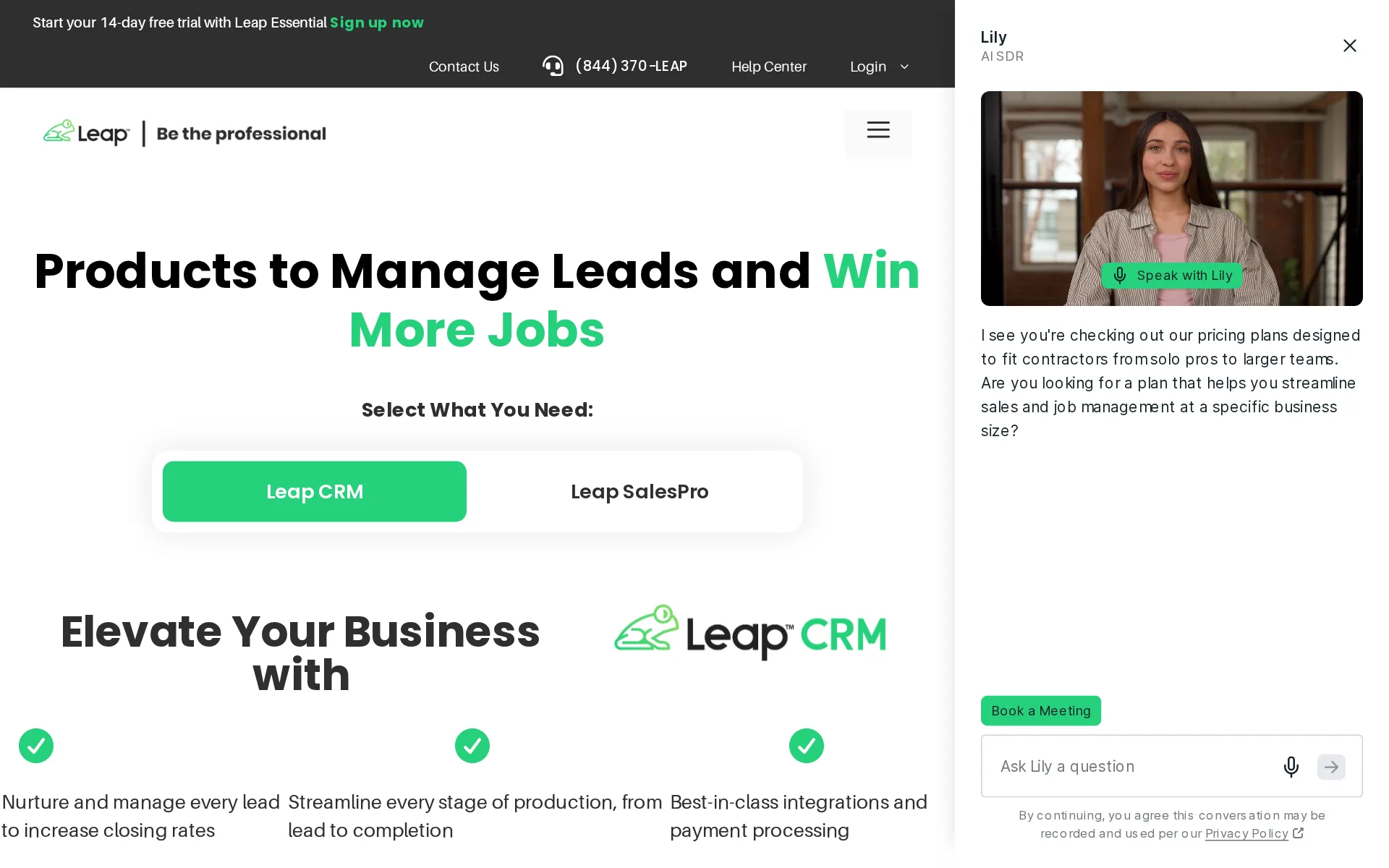
Pricing page, captured
leaptodigital.com/pricing, checked
All plans and limits
| Plan | Price | Main limits |
|---|---|---|
| Essential | $79 a month | Users: 1 user per account; Digital signatures: 5 |
| Team | From $298 a month | Users: First User; Digital signatures: Unlimited |
| Premium | From $750 a month | 6 users; Active offices: 5; Free in-app signatures: Unlimited |
| Enterprise | Price on request | Active offices: Unlimited; Free in-app signatures: Unlimited; Free payment captures: Unlimited |
Read from leaptodigital.com/pricing.
What we checked on Leap
Cost for 5 users a month
From $694 a month on Team for 5 users. Counted as one office user and the rest technicians in the field. The price of Team is published only as a starting price, and no plan with a definite price covers this many users: the figure is the least it costs.
Starting at $298 /month Includes First User and $99 per/mo per add. user
Cost for 10 users a month
From $1,189 a month on Team for 10 users. Counted as one office user and the rest technicians in the field. The price of Team is published only as a starting price, and no plan with a definite price covers this many users: the figure is the least it costs.
On the page: Leap CRM plan cards, Team card
Cost for one person a month
A one-person business cannot use the $79 Essential plan for this, because Essential has no invoicing and no Leap Pay card payments. The cheapest plan that does both is Team, published only as a starting price of $298 a month with the first user included.
On the page: Leap CRM plan cards, Team card
leaptodigital.com/pricingChecked
Promotion and regular price
none. The plan cards show Essential at $79 a month and Team from $298 a month with no promotional or annual-equivalent price beside them; the FAQ says plans are one-year contracts paid monthly.
All Leap plans are available in one-year contracts paid monthly.
leaptodigital.com/pricingChecked
Quote only
Essential, Team and SalesPro Premium carry published prices, but the SalesPro Enterprise plan is sold through sales only, and the one-time onboarding fee on Team is also priced only by contacting sales.
On the page: Leap SalesPro plan cards, Enterprise card
leaptodigital.com/pricingChecked
What the price is based on
Leap CRM is priced by user: Essential is a single-user plan, Team pays for the first user and charges $99 a month for each additional user; SalesPro Premium bundles six users into its starting price.
On the page: Compare Plans table, Included Users and Additional Users rows
leaptodigital.com/leap-crmChecked
Adding a user
Adding a technician on Team costs $99 a month per extra user. Essential cannot add anyone, being limited to one user per account, so a second person means moving to Team through support.
On the page: Leap CRM plan cards, Essential card
leaptodigital.com/pricingChecked
Setup or onboarding fee
Team lists a one-time onboarding fee whose amount is given only as Contact Sales; Essential has no onboarding fee. The site does not say whether the Team fee can be declined.
Onboarding Fee (One-Time) N/A Contact Sales
leaptodigital.com/leap-crmChecked
HVAC
Leap's industry list names roofing, remodeling, windows and doors, residential construction, siding and kitchen and bath only; none of HVAC, plumbing, electrical, lawn care, cleaning, pest control, pool service or handyman has its own page.
On the page: Industries section near the top of the Solutions page
leaptodigital.com/solutionsChecked
Plumbing
Leap's industry list names roofing, remodeling, windows and doors, residential construction, siding and kitchen and bath only; none of HVAC, plumbing, electrical, lawn care, cleaning, pest control, pool service or handyman has its own page.
On the page: Industries section near the top of the Solutions page
leaptodigital.com/solutionsChecked
Electrical
Leap's industry list names roofing, remodeling, windows and doors, residential construction, siding and kitchen and bath only; none of HVAC, plumbing, electrical, lawn care, cleaning, pest control, pool service or handyman has its own page.
On the page: Industries section near the top of the Solutions page
leaptodigital.com/solutionsChecked
Lawn care and landscaping
Leap's industry list names roofing, remodeling, windows and doors, residential construction, siding and kitchen and bath only; none of HVAC, plumbing, electrical, lawn care, cleaning, pest control, pool service or handyman has its own page.
On the page: Industries section near the top of the Solutions page
leaptodigital.com/solutionsChecked
Cleaning
Leap's industry list names roofing, remodeling, windows and doors, residential construction, siding and kitchen and bath only; none of HVAC, plumbing, electrical, lawn care, cleaning, pest control, pool service or handyman has its own page.
On the page: Industries section near the top of the Solutions page
leaptodigital.com/solutionsChecked
Pest control
Leap's industry list names roofing, remodeling, windows and doors, residential construction, siding and kitchen and bath only; none of HVAC, plumbing, electrical, lawn care, cleaning, pest control, pool service or handyman has its own page.
On the page: Industries section near the top of the Solutions page
leaptodigital.com/solutionsChecked
Pool service
Leap's industry list names roofing, remodeling, windows and doors, residential construction, siding and kitchen and bath only; none of HVAC, plumbing, electrical, lawn care, cleaning, pest control, pool service or handyman has its own page.
On the page: Industries section near the top of the Solutions page
leaptodigital.com/solutionsChecked
Handyman
Leap's industry list names roofing, remodeling, windows and doors, residential construction, siding and kitchen and bath only; none of HVAC, plumbing, electrical, lawn care, cleaning, pest control, pool service or handyman has its own page.
On the page: Industries section near the top of the Solutions page
leaptodigital.com/solutionsChecked
Features for one trade
The roofing-specific tools are measurement integrations with EagleView, HOVER and GAF QuickMeasure, in-platform material formulas and supplier ordering through SRS Roof Hub; none of the service-trade tools such as chemical logs or pool readings appear.
Get measurements from integration partners such as EagleView, HOVER, and more. Estimate material amounts quickly using in-platform measurement…
Schedule and calendar
Leap CRM publishes crew scheduling and a staff calendar together, with mobile access for the contractor’s day.
See who is working and where they are scheduled using the crew calendar view.
Technician app
Leap CRM is available on mobile devices so teams can access lead, customer, and job information away from the office.
Give your crews a clear picture of their schedule with in-app scheduling that includes the location, date, time of a job with notes and documents…
Texts to customers
Leap sends automated scheduling notifications and homeowner emails and texts as a job moves through its stages; the pages do not describe an on-my-way text with an arrival time.
Better yet, you can automate scheduling notifications to customers.
Checklists, photos and signatures
Documents and photos attach to each appointment and signatures are captured in person or remotely; Essential is capped at five digital signatures, and the site does not describe custom checklists beyond the punch list.
Book appointments with ease, attaching relevant docs and photos to each calendar invite.
Works without signal
Offline mode is documented for the SalesPro in-home sales app, which syncs when the connection returns; the pages do not say whether the Leap CRM crew-side app works offline.
SalesPro works without a wifi connection. Reps run the full appointment, build estimates, and present proposals regardless of signal.
leaptodigital.com/salesproChecked
Quotes and estimates
Estimates and proposals are built on site from a phone or tablet, signed in person or remotely, and invoices can be created directly from proposals once the customer agrees.
Your rep prices the job, presents options, offers financing, and gets the signature in one appointment from a phone or tablet.
leaptodigital.comChecked
Price book and options
A material and labor price library is checked for Team but not Essential, and tiered good-better-best style options are presented through the SalesPro estimating app rather than the entry plan.
Present tiered pricing options so homeowners can choose what works best, then turn it into a branded proposal ready to sign before you leave the…
leaptodigital.com/salesproChecked
Invoices
Invoicing with automated payment reminders is documented, but the plan comparison checks invoicing only on Team, leaving the $79 Essential plan without it.
On the page: Roofing Software to Manage Every Job, bullet list
Card and bank payments
Leap Pay takes card, debit card and bank transfer payments in person or remotely at no extra subscription, but only on SalesPro and Team; Essential users must upgrade to get it.
Leap Pay is available for Leap SalesPro and Leap Team customers. If you are on Leap Essential and want to upgrade to Leap Team, just reach out to our…
Fast payouts
Leap Pay moves payments to the connected bank account daily at no cost; no paid instant or same-day payout option is described.
Any payments made through Leap Pay are automatically transferred to your connected bank account on a daily basis at no cost.
Customer financing
Customer financing through one application to 10 or more lenders such as GreenSky, Pure Finance and Aqua is offered only in SalesPro, US only, with lenders possibly charging dealer fees.
*Features only available on SalesPro
Online booking
Leap describes online booking as part of the sales flow that begins before an in-home estimate and contract.
Online booking, in-home estimating, digital contracts, and financing offered right at the kitchen table.
leaptodigital.comChecked
Customer portal
Homeowners get a portal with project updates, photos, invoices and timelines where they can pay invoices, but the customer and subcontractor portal is checked only on Team, not Essential.
Subcontractors get job-level access through a free dedicated portal. Homeowners can view updates and pay invoices directly.
leaptodigital.com/leap-crmChecked
Timesheets
Workers and subcontractors can track time inside Leap, and timekeeping is mentioned for protecting margins; no payroll software is named for sending the hours to.
Empower workers and subcontractors alike with time tracking within Leap.
Technician commissions
Commissions are built into estimates and reported for the sales team, so this covers sales reps paid on closed jobs rather than install crews or technicians.
Develop reports for your sales team, including close-rates and commission earned.
Leads and follow-ups
Leap CRM presents a configurable job pipeline and reports its value, representative performance, and close rates in one view.
Send emails to leads and build tasks instantly based on workflow preferences.
Several locations
The vendor says multi-location contractors run hundreds of users across states, and SalesPro Premium covers five active offices while Enterprise has unlimited offices.
A multi-location, multi-trade contractor uses it to run hundreds of users across states with the same numbers everywhere.
leaptodigital.comChecked
Job costing and reports
Profit and loss analysis and a financial summary are documented, with financial summary and reporting checked only on Team; profitability by technician or service is not described.
Perform detailed profit and loss analysis through sophisticated reporting.
QuickBooks Online
QuickBooks Online and QuickBooks Desktop sync invoices, payments and credits, but the integration lives in Team, since Essential has no third-party integrations
Yes. Leap Pay syncs directly with QuickBooks Online and QuickBooks Desktop via the Web Connector to eliminate double data entry.
QuickBooks Desktop
QuickBooks Online and QuickBooks Desktop sync invoices, payments and credits, but the integration lives in Team, since Essential has no third-party integrations
On the page: FAQ, Does Leap Pay integrate with QuickBooks?
Xero
Xero is absent from the partner list.
On the page: FAQ, Does Leap Pay integrate with QuickBooks?
Zapier and API
Leap connects to other tools through Zapier for both Leap CRM and SalesPro, but third-party integrations are not checked on Essential and no open developer interface is described.
Zapier: Connect Leap CRM to your existing marketing tools and lead sources through Zapier.
leaptodigital.com/leap-crmChecked
United States
Leap supports financing and payment processing in the United States
Currently, Leap does not support financing or payment processing outside the United States. Leap Pay is coming soon to Canada.
Canada
Canada is described as coming soon and other markets are not documented.
On the page: FAQ, Does Leap support financing or payment processing outside the United States?
Free trial or free plan
There is a 14-day free trial, but only on the single-user Essential plan; Team and SalesPro are reached through a demo rather than a trial.
Yes. Leap CRM Essential includes a 14-day free trial so you can get started before committing.
leaptodigital.com/pricingChecked
Sign up without a sales call
Essential can be started online with a trial button, while Team, SalesPro Premium and Enterprise all route through Get a Demo or Contact Sales buttons.
Process Payments in an Instant Includes Everything in Essential Get a Demo
leaptodigital.com/pricingChecked
Help getting set up
A dedicated onboarding rep configures the account and helps migrate existing data, but Team carries a one-time onboarding fee priced by sales, so it is not free on that plan.
Your dedicated onboarding rep will help you get your existing data into Leap CRM as part of the setup process.
leaptodigital.com/leap-crmChecked
Contract and cancelling
Every Leap plan is a one-year contract billed monthly, not month to month; the site does not describe how to cancel.
On the page: Frequently Asked Questions, How long are the contracts?
leaptodigital.com/pricingChecked
Support
Essential gets email support only, while Team gets phone and chat; the phone line is staffed 8:30 AM to 7 PM Eastern, so nobody answers at 7 in the morning.
Customer Support Email Phone/Chat
leaptodigital.com/pricingChecked
Leap alternatives
All 9 alternatives6 more alternatives
8 of the 9 publish a price.
- KickservFrom $75 a monthJob and billing app for small home trades that keeps customers, invoices and payments matched in QuickBooks both ways.
- RoofSnapFrom $105 a seat a monthRoof, gutter and lighting measurements you draw yourself or order, feeding estimates, contracts and payments.
- Estimate RocketFrom $139 a monthContractor platform with trade-specific estimate builders, proposals, client portal and project tracking.
- YardbookFree, then $34.99 a monthLandscaping business software with a genuinely free, ad-supported plan covering scheduling, estimates and invoicing.


Sources and changes
Last changed
Sources13
- leaptodigital.com/pricing
- leaptodigital.com/leap-crm
- leaptodigital.com/
- leaptodigital.com/product-updates/spring-2025-release-roundup
- leaptodigital.com/solutions/plan-and-install
- help.leaptodigital.com/
- leaptodigital.com/salespro
- leaptodigital.com/solutions/leappay
- leaptodigital.com/solutions/inspect-and-sell
- leaptodigital.com/solutions/roofing-software
- leaptodigital.com/solutions/complete-and-collect
- leaptodigital.com/solutions
- leaptodigital.com/solutions/best-customer-financing-for-contractors
Similar to Leap
- BuildOpsField service and project software for commercial mechanical, electrical and plumbing contractors.
- CommusoftSoftware for HVAC and generator firms whose maintenance contracts create recurring visits and track response times.
- ConnecteamEmployee app for GPS time clock, job scheduling and forms, with no quotes, invoices or customer payments.
- FieldCampAI-native field service suite with a built-in AI receptionist and dispatcher, sold only by quote.


From our research
- How to choose field service management softwarePick on what the crew pays a month, how easily you can cancel and take your data, QuickBooks sync and whether it is built for your trade.
- Jobber vs Housecall Pro: what a 5- and 10-person crew paysJobber costs $199 a month for 5 users and $299 for 10. Housecall Pro is $299 and $799 on Essentials. Crew prices and the features that differ, Nov 2026.
- What field service software costs and where it jumpsLawn Buddy and ServiceM8 have free plans, several paid plans are cheap to start, and the price jumps with fieldd.
Is Leap yours?
It's free and marks the page as verified. You confirm it with an email at leaptodigital.com. Claim this listing
Report an error if a fact is wrong.